Android app · Coming soon
Grocerish
Groceries. Home. Together.
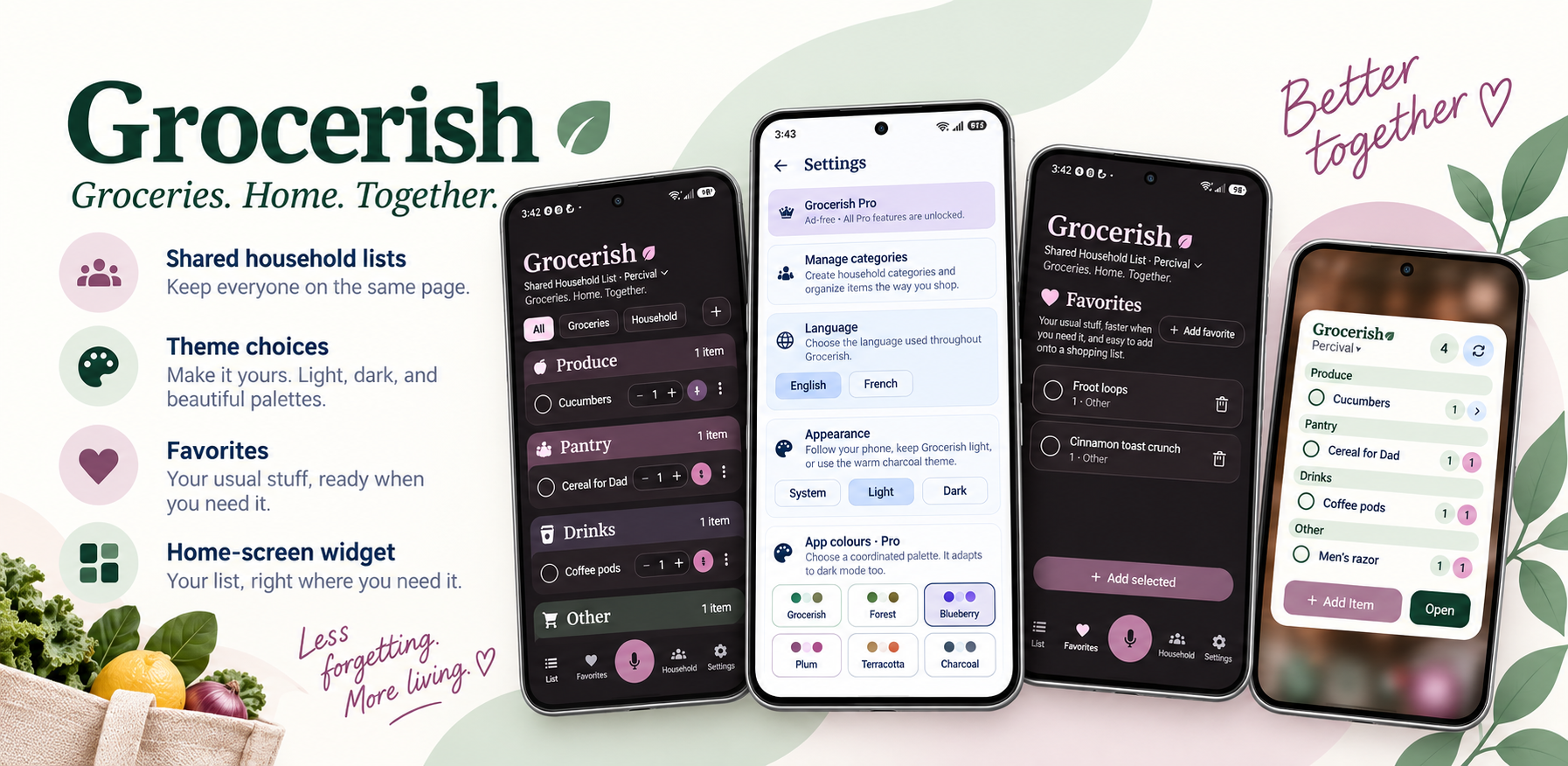
One list. Fewer “did you get the milk?” texts.
Grocerish keeps groceries and household shopping in one place, whether you’re writing a quick list for yourself or keeping the household on the same page. Add what you need, keep the regular purchases handy, and let your list do some of the remembering.
For the way you actually shop
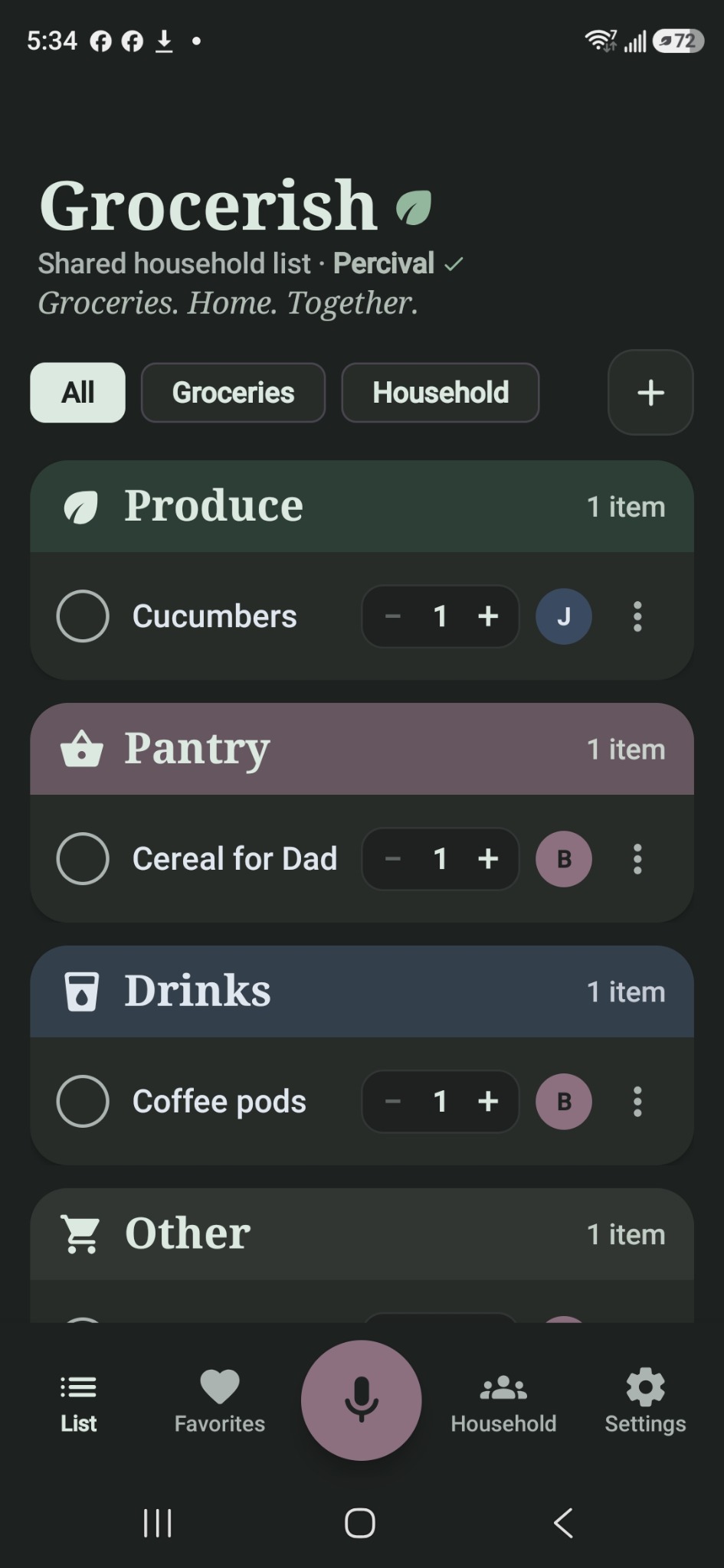
- Shared household lists. Connect with an invite code or QR invitation so household members can add, update, and check off items together.
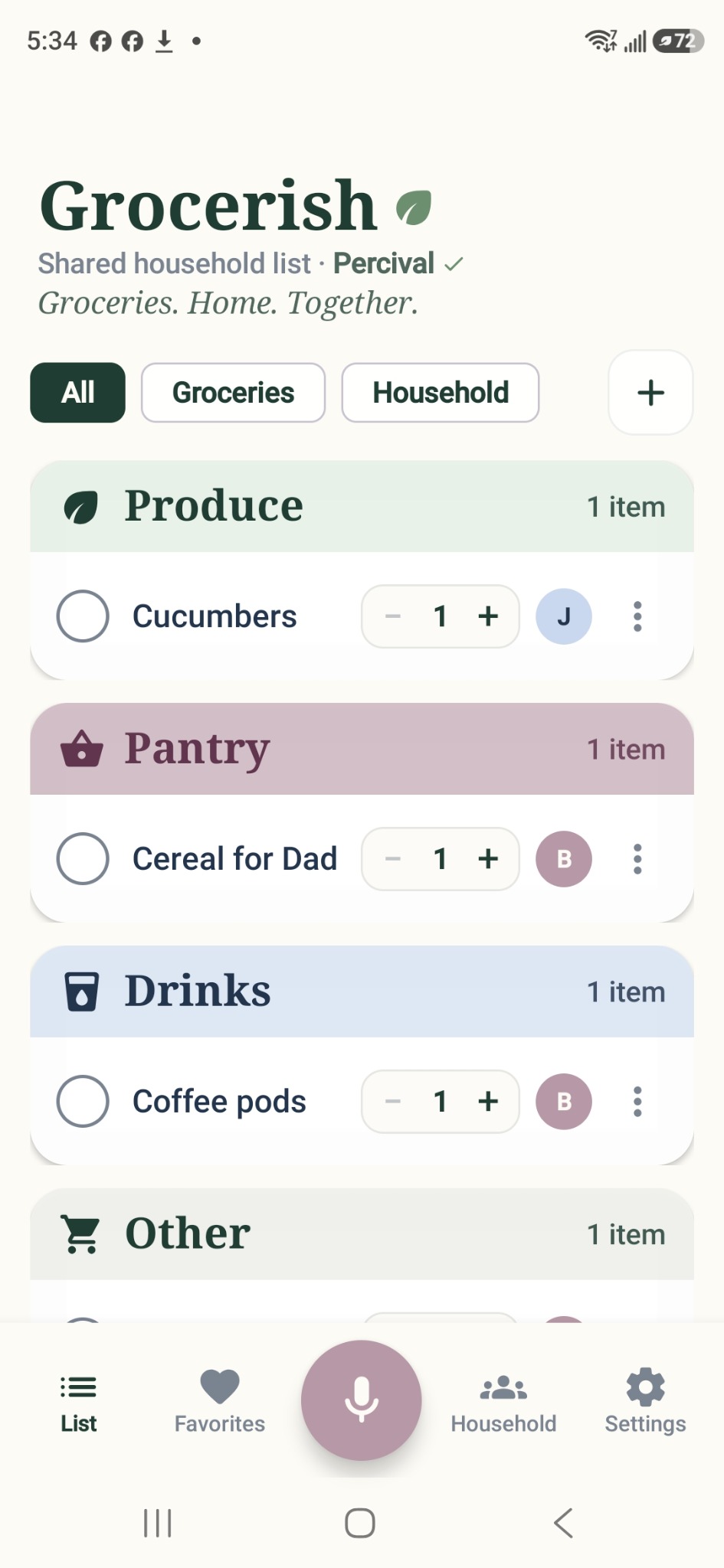
- Groceries and household essentials. Keep food and everything-else shopping together, with filters, automatic categorisation, custom categories, and adjustable quantities.
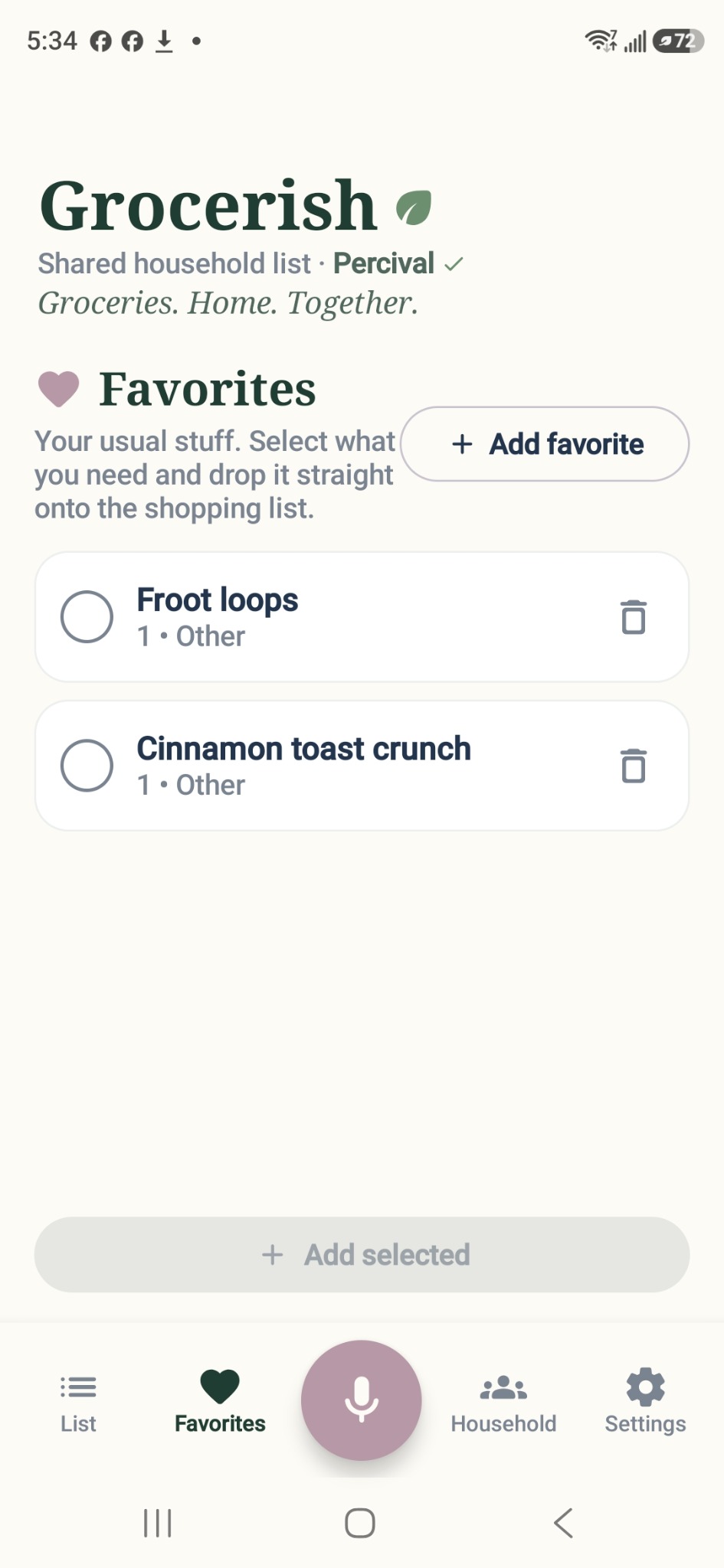
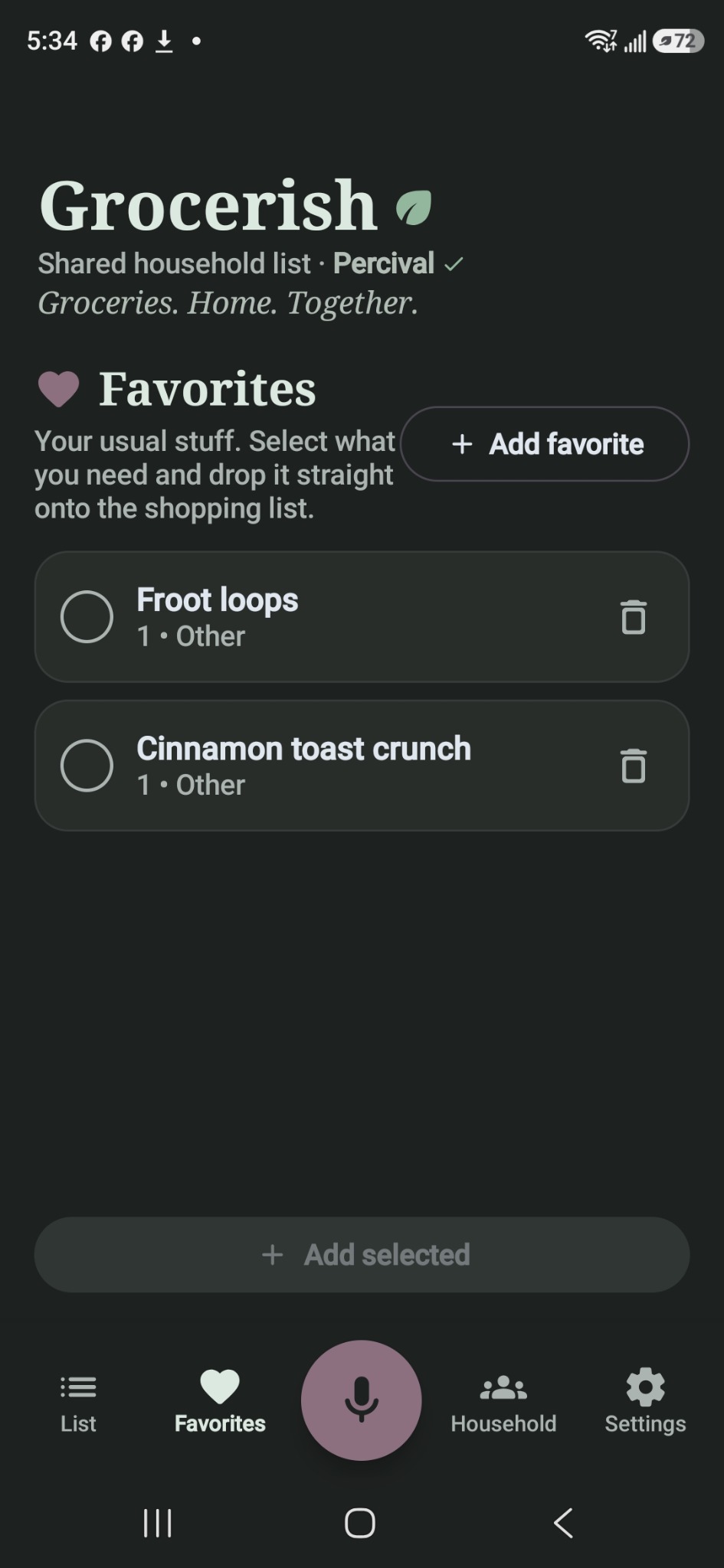
- Favourites and quick add. Save your regular purchases instead of rebuilding the same list every week.
- Photos and notes. Add a reference photo or a detail like “the light blue label” to a shared item. Apparently “the usual one” is not a universal identification system.
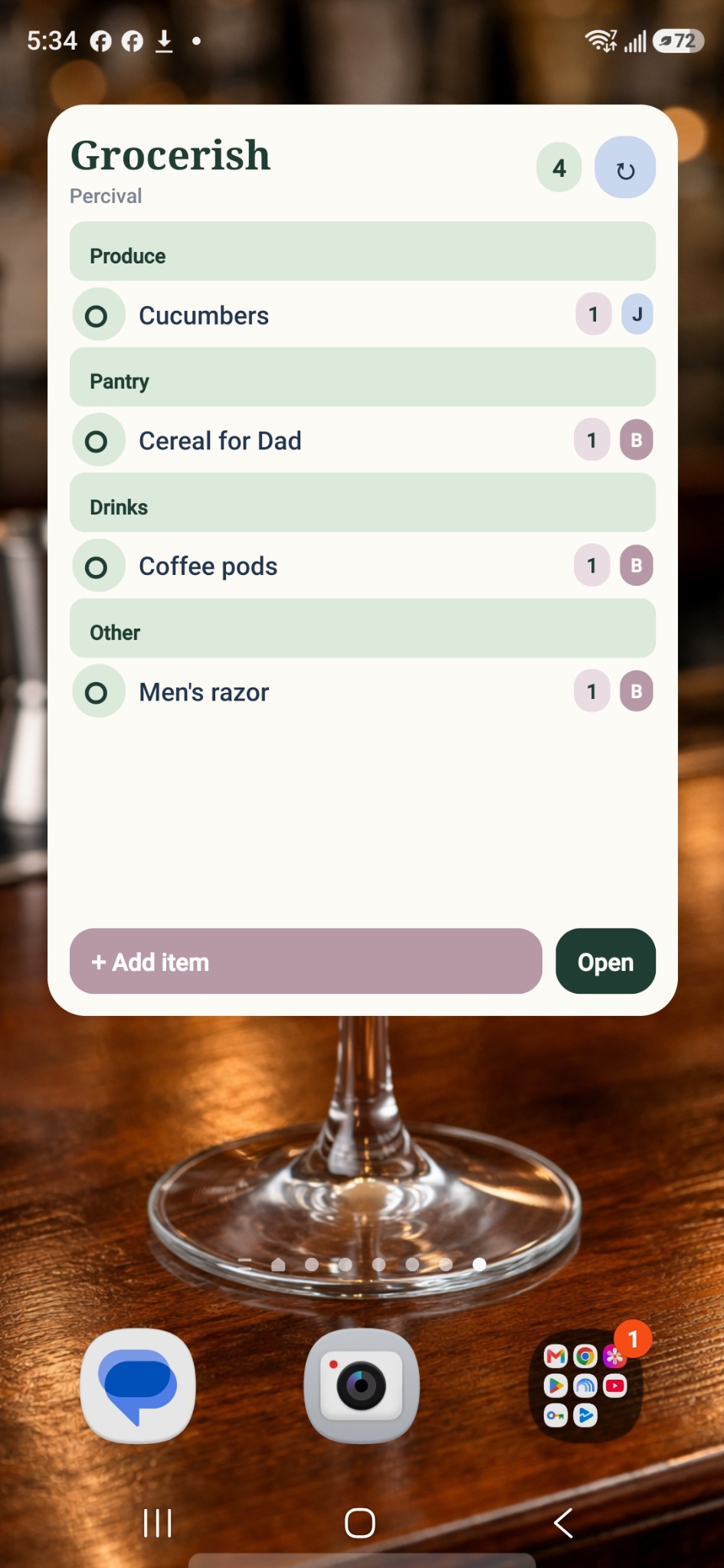
- Voice entry and a home-screen widget. Use the in-app microphone to add items, or keep the list within reach on your Android home screen. Speech recognition depends on your device and its available services.
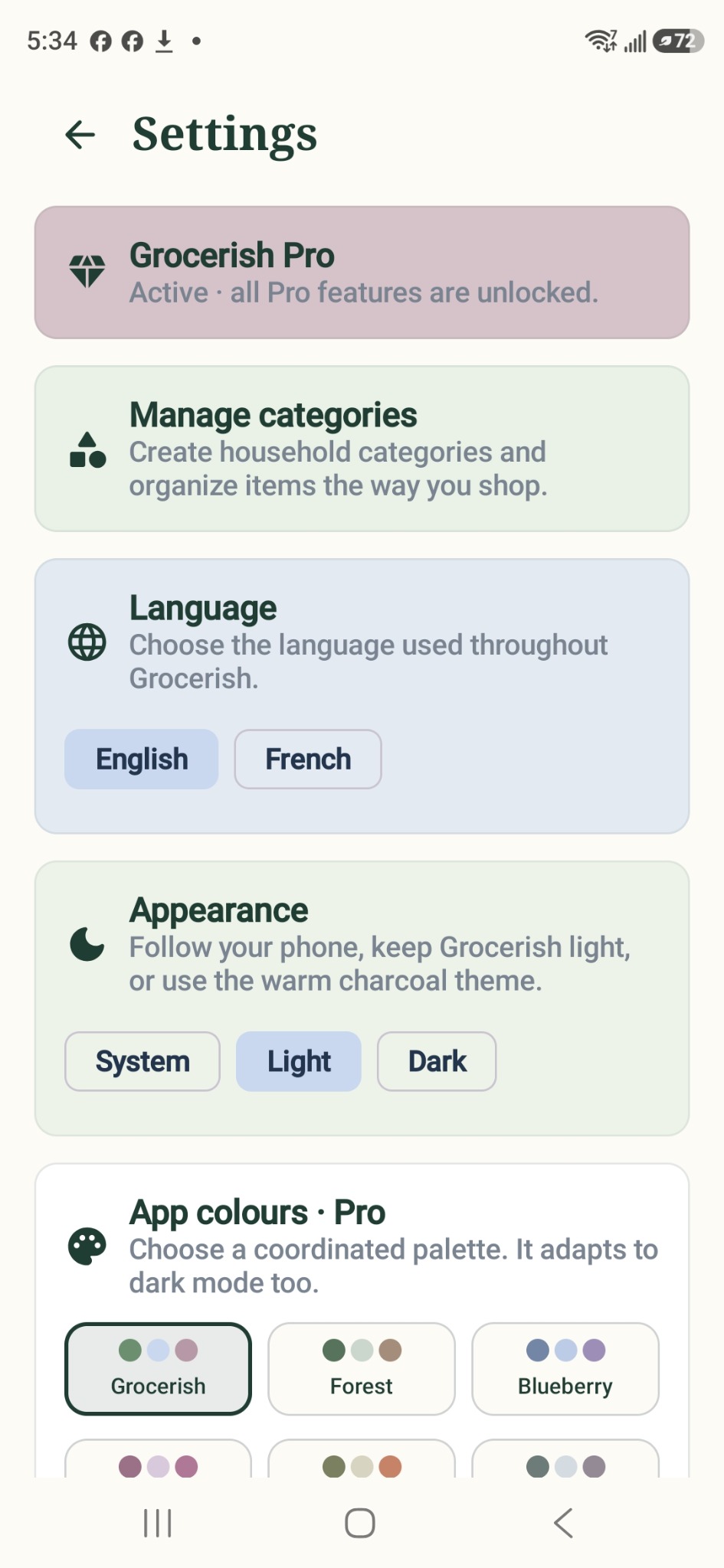
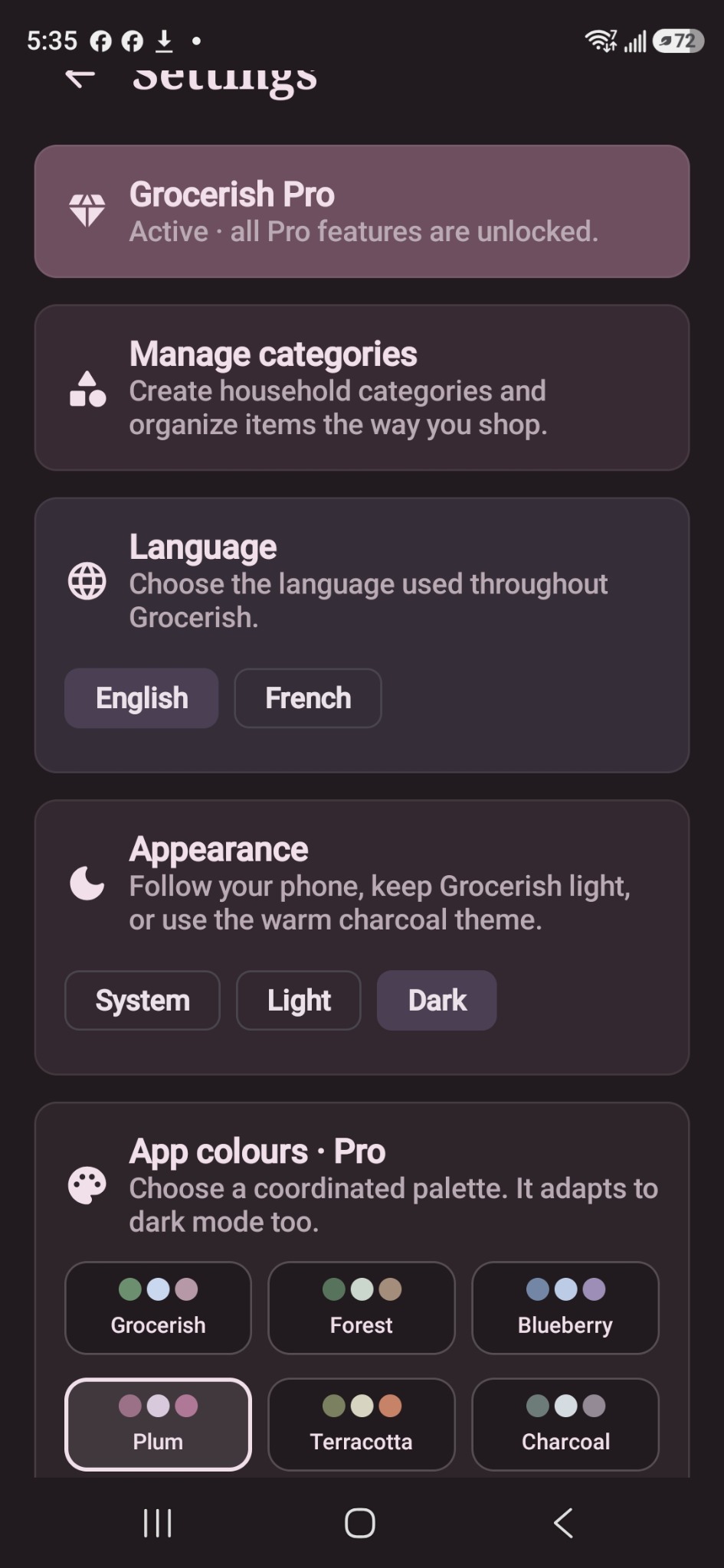
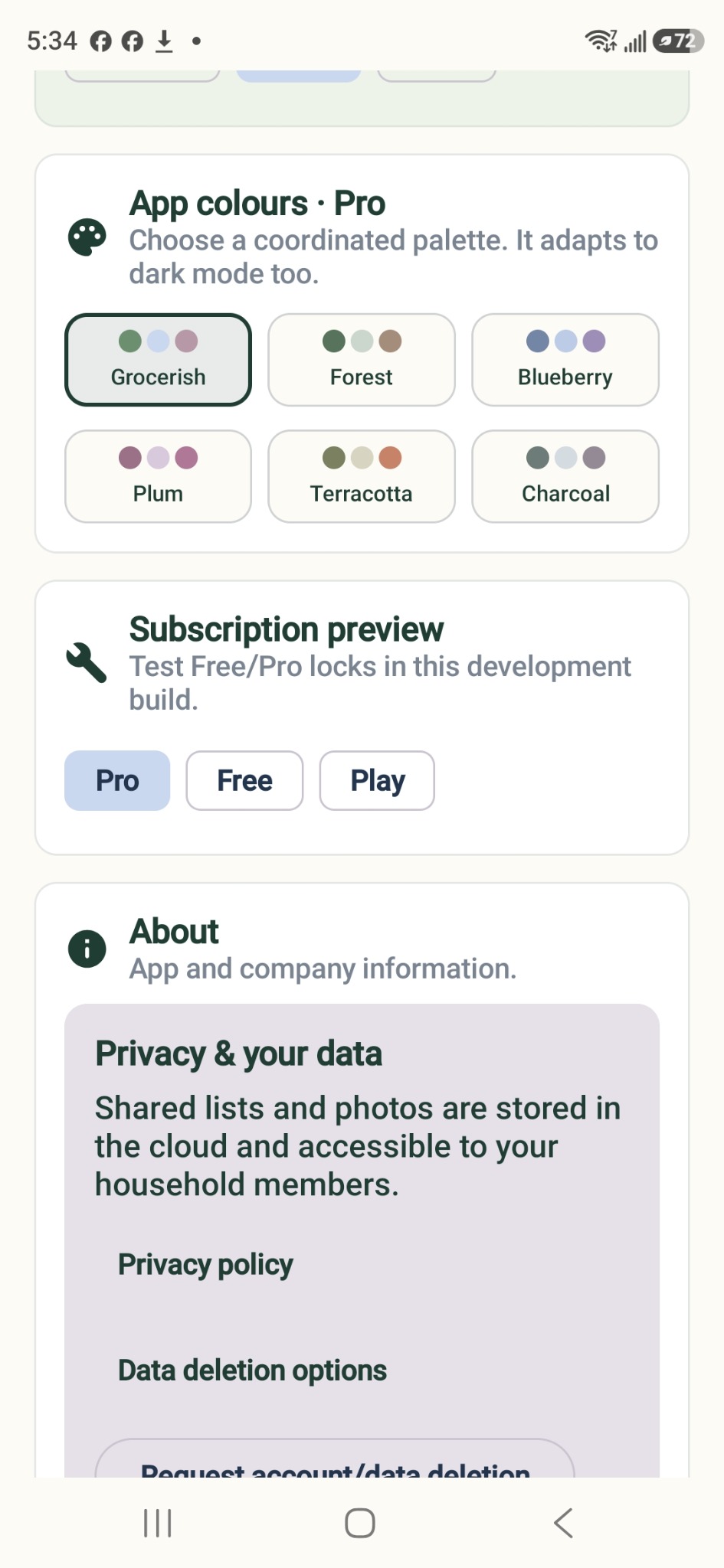
- Light, dark, and your colours. Follow your phone’s appearance or choose a theme, with coordinated colour palettes available in Pro. English and French are supported.
A simple start, with room for more. Grocerish has a free personal list and optional Pro features for sharing and extra tools. The app is being prepared for wider testing; public download and subscription details will be added when available.
Your household list stays your household’s business.
Personal lists stay on your device. When you use household sharing, shared list details and selected photos are stored in the cloud and accessible to your household members. Learn more in the Grocerish Privacy Policy or see account and data deletion options.
Inside Grocerish
A look around the app.
Your list, favourites, widget, and themes. Select a screenshot to see it full-size. These images show a development version; details may change before release.